
Companies rarely migrate just because “the cloud is better.” Usually, a cost, platform, vendor, or growth constraint forces the decision.


Product teams modernizing during the move
Migration can also be the right time to replace self-managed databases, introduce containers, or move suitable workloads to serverless services. We modernize where the added work has a clear technical or financial case.





Migration does not always have to come entirely from your infrastructure budget. We check available AWS and source-cloud programs during assessment, handle the application work, and build approved incentives into the business case.








Outside migration expertise becomes useful when the project is no longer a simple infrastructure move.
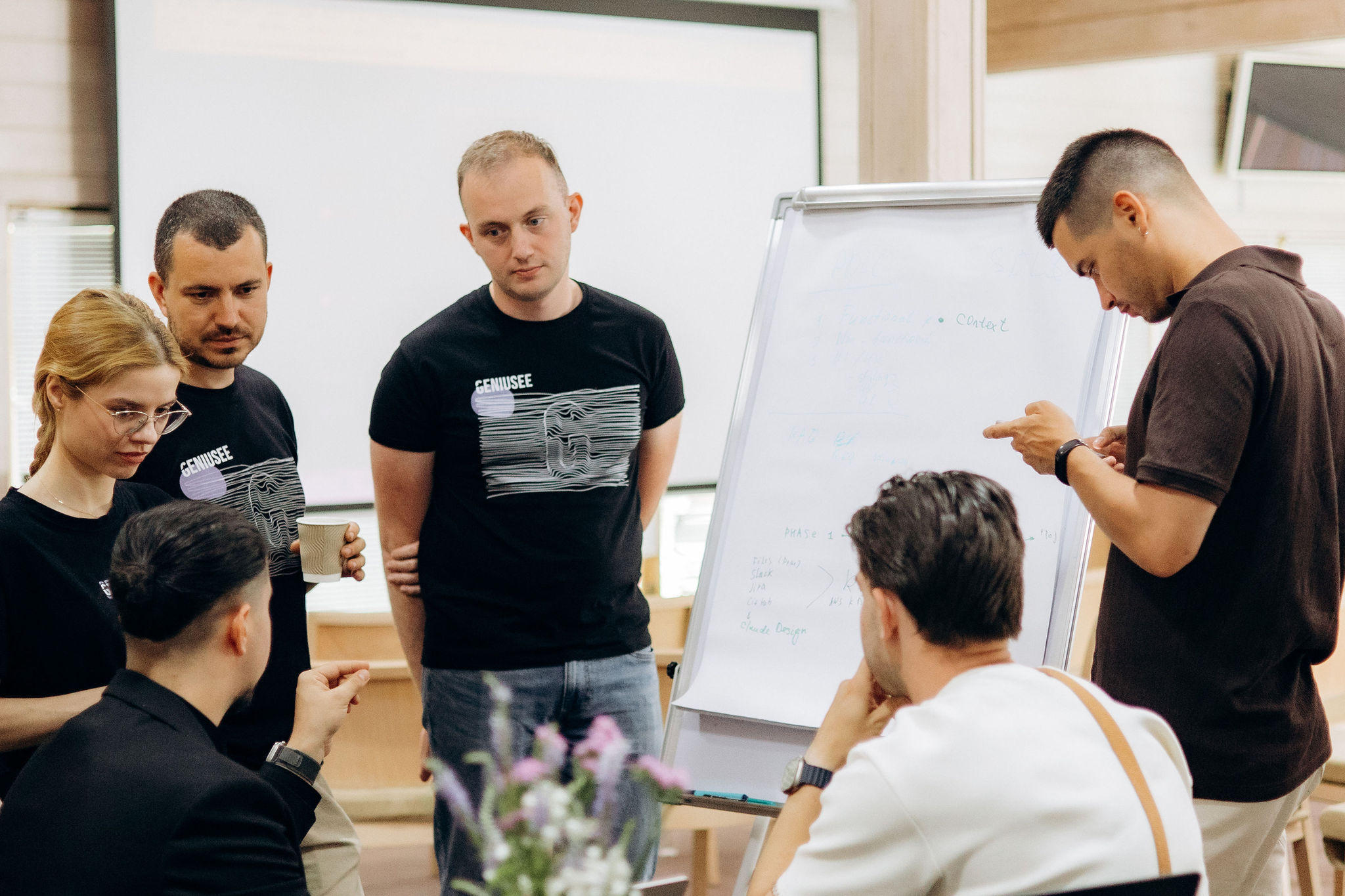


IT experts are ready to start migrating your cloud systems

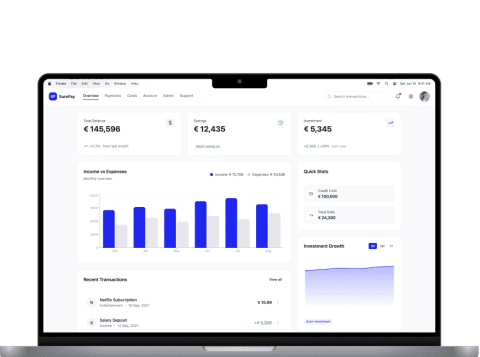
How we secured a business-critical Atlassian platform with near-zero downtime by migrating VMware to AWS
We migrated a multi‑node Atlassian platform from a single VMware host to a resilient AWS architecture in a way that was almost invisible to end users. The client eliminated a single point of failure, strengthened their security posture, and gained a clear roadmap for further cloud modernization. Instead of relying on one aging server, they now run in AWS in the eu‑central‑1 region, with an environment ready for future load and security stability.
Case details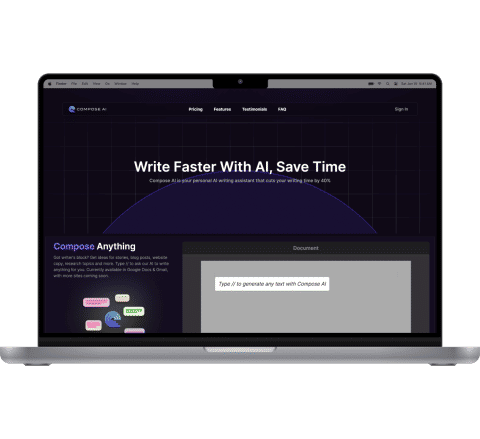
 Martech
Compose AI: Advanced content writing solution
We partnered with Compose AI to enhance their AI-powered writing platform through cloud migration, UX improvements, seamless integrations, and scalable feature development, upporting their growth from YC-backed startup to a widely adopted productivity tool.
Case details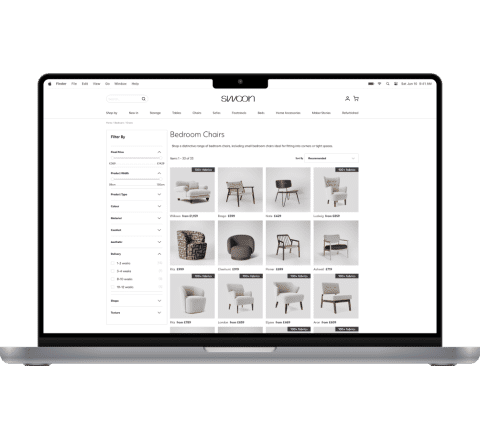
Swoon: Cloud-native backend for a furniture brand
Swoon partnered with Geniusee to modernize its backend and support a fast-growing e-commerce operation. The new serverless architecture cuts infrastructure costs, automates key workflows, and integrates payments, freight, and shipping systems into a single, reliable backbone for the brand.
Case details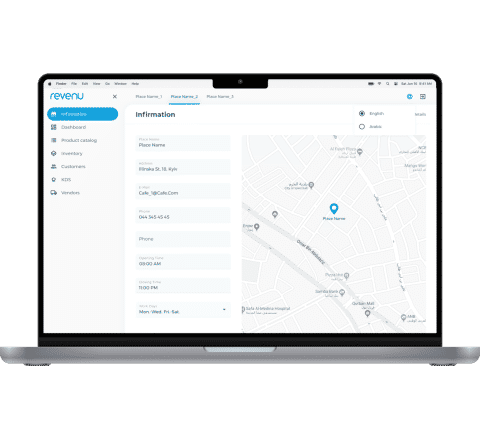
Revenu: All-in-one POS and restaurant management system
When Revenu approached Geniusee, they had a clear vision: to transform the restaurant experience through a unified POS and management system. Together, we set out to create a solution that simplifies restaurant operations, boosts staff efficiency, and enhances customer satisfaction.
Case details
Shipping marketplace modernization with cloud-native mobile apps
Our client is a transportation platform that connects customers (both companies and individuals) with transport services providers or individuals that provide services to facilitate the shipment of goods. This shipping marketplace allows customers to compare suppliers offers from multiple transport providers and choose the most cost-effective and reliable option. The shipping platform offers various transport moving services and shipment categories, from furniture and cars to animals and fragile items. There are also real-time updates on the shipment status, the possibility to rate a transportation services provider, check warranties, and more.
Case detailsA successful migration is not simply one where the workloads eventually run on AWS. The move should be controlled, financially clear, and manageable by the team that inherits the environment.
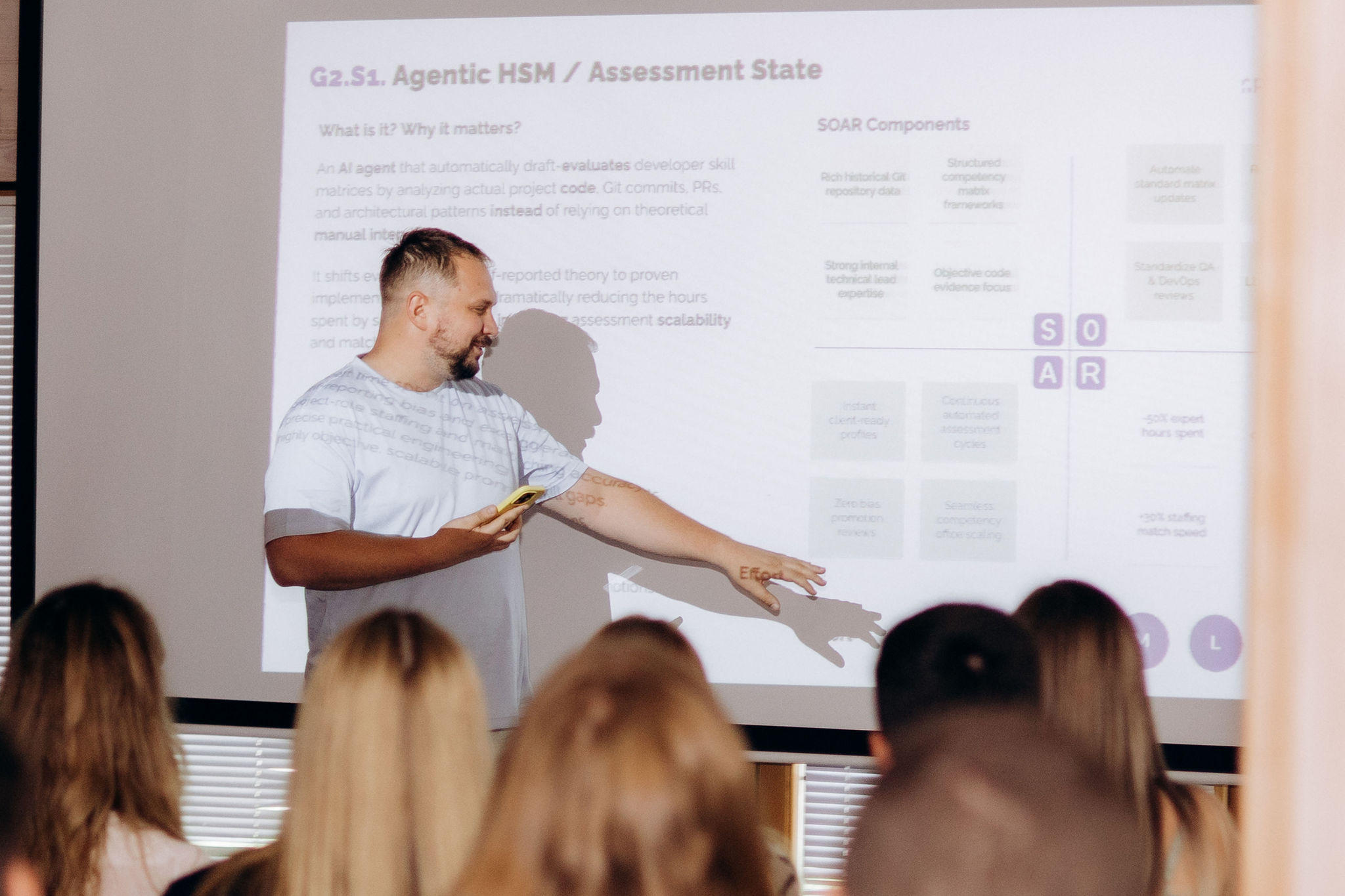
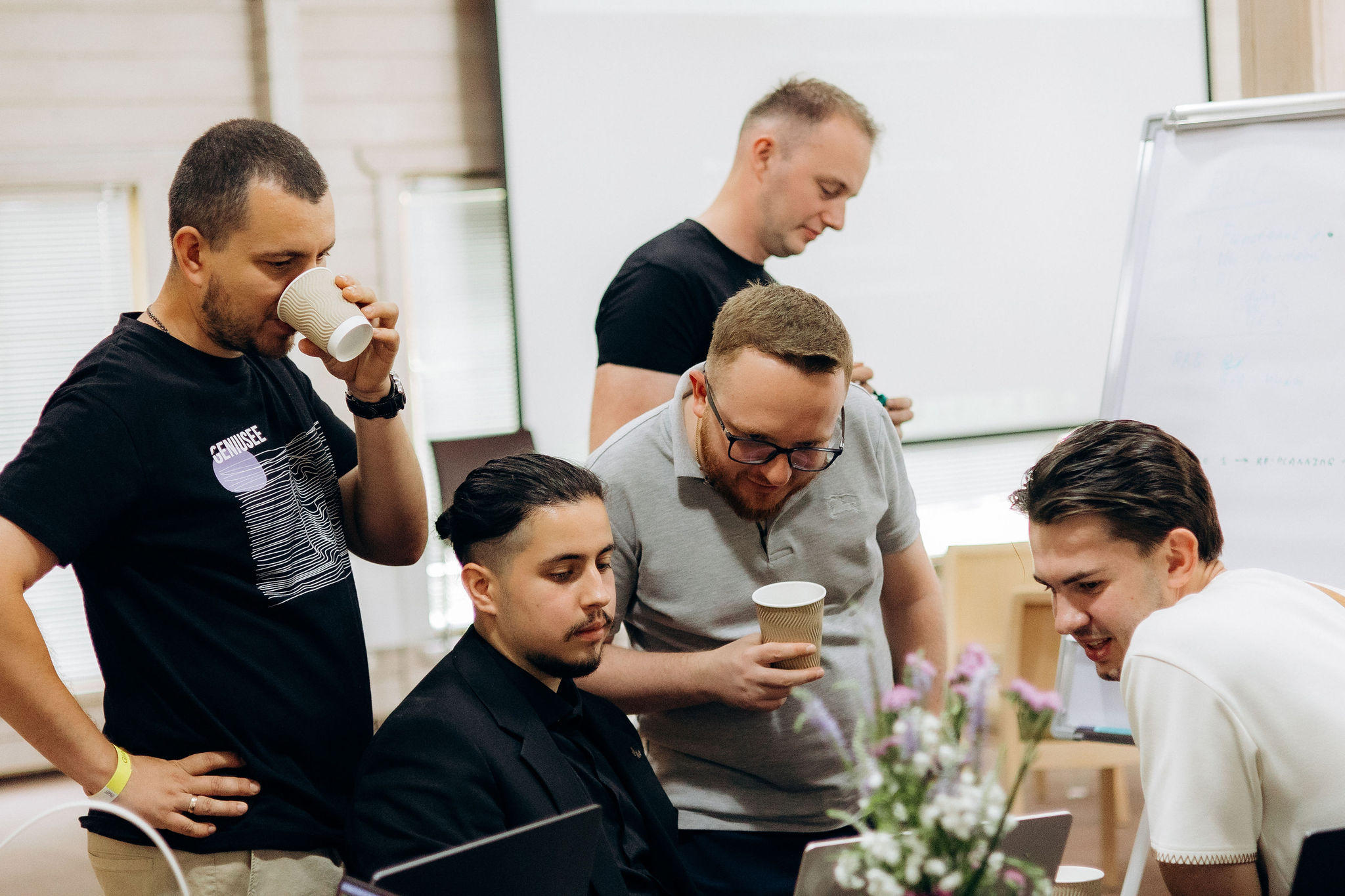
Geniusee supports the full migration cycle, from early assessment to post-cutover operations.

Discovery and assessment
We inventory workloads, dependencies, performance, data, and current costs. Each application receives a 7 Rs disposition and a place in the migration plan.
Landing zone and pilot
Before critical systems move, we set up accounts, networking, identity, logging, and baseline security. Then 1–3 pilot workloads go through the complete process.
Wave-based migration
Related applications move together. Replication, validation, cutover runbooks, and rollback procedures keep each wave controlled.
Stabilization
The AWS environment runs under real production traffic while we verify monitoring, alerts, performance, and operating procedures. Only then is the old infrastructure decommissioned.
Optimization and modernization
Real usage shows where resources are oversized or where the architecture can improve. We tune capacity, review commitment options, and finish modernization work that did not belong in the initial cutover.
Migration work crosses infrastructure, applications, networking, security, data, and operations. The team planning the move needs to understand how those layers affect one another. Geniusee has built software and cloud systems since 2017. That matters because migration decisions often affect application architecture, deployment pipelines, integrations, and future product work.


Different industries bring different constraints to a migration. We account for them in the architecture and cutover plan.
- Trading and banking workloads with continuity requirements
- PCI DSS, SOC 2, and financial compliance controls
- Identity redesign and segregation of duties
- Transaction data integrity checks
- Cost management for compute-heavy systems

- Migration around enrollment and academic calendars
- LMS and WordPress replatforming
- Large content and video transfers
- Student data protection
- Architecture for peak concurrent usage
- eCommerce migration outside peak sales windows
- Order and inventory systems with tested rollback
- Analytics migration to Redshift or Athena
- Payment, logistics, and CRM integration remapping
- Auto-scaling for variable demand
- Property management and CRM migration
- Multi-tenant platform architecture
- Regional data residency planning
- IoT and building-data pipelines
- Legacy application modernization
- ERP and MES migration around production schedules
- Production historian data transfer
- Hybrid architectures for latency-sensitive systems
- Windows Server and SQL Server licensing review
- OT and IT network segmentation



How long does a cloud migration project take?
A portfolio of about 100 workloads commonly takes 6–12 months. Assessment usually takes 2–4 weeks, while the landing zone and pilot take another 4–8 weeks. Smaller environments with fewer than 20 workloads may take 2–4 months.
What are the main benefits of cloud migration?
Cloud migration can provide elastic capacity, managed infrastructure services, stronger resilience, and more flexible cost management. The actual benefit depends on the architecture chosen during the move; changing hosting platforms alone does not guarantee savings or better performance.
Can you migrate our infrastructure from Azure or Google Cloud to AWS?
Yes. We migrate compute, databases, storage, networking, and identity from Azure and Google Cloud to AWS. The work includes service mapping, access redesign, data transfer planning, and changes to services that do not have a direct AWS equivalent.
Will the migration cause downtime?
Most workloads need a planned cutover window rather than extended downtime. Continuous replication can keep many systems synchronized until the switch. Identity platforms and some databases may need their own maintenance window.
What does cloud migration consulting include if we execute internally?
We can provide the inventory, dependency map, 7 Rs analysis, target architecture, cost model, migration waves, risk register, runbook templates, and success criteria. Your engineers then execute the plan with optional support from Geniusee.
How do cloud migration services help control costs?
We model egress, licensing, temporary infrastructure, migration tooling, and expected AWS usage before execution. After cutover, actual production data guides right-sizing, Savings Plans, and other cost adjustments.
Can some infrastructure remain on-premises or in a private cloud?
Yes. Hybrid architecture can make sense when latency, regulation, hardware, or business constraints keep certain workloads in place. Direct Connect or VPN can link retained systems to AWS.
Do you provide support after migration?
Yes. Support can cover monitoring, incident response, patching, backups, architecture reviews, and cost optimization. The scope depends on how much day-to-day ownership your internal team wants to keep.